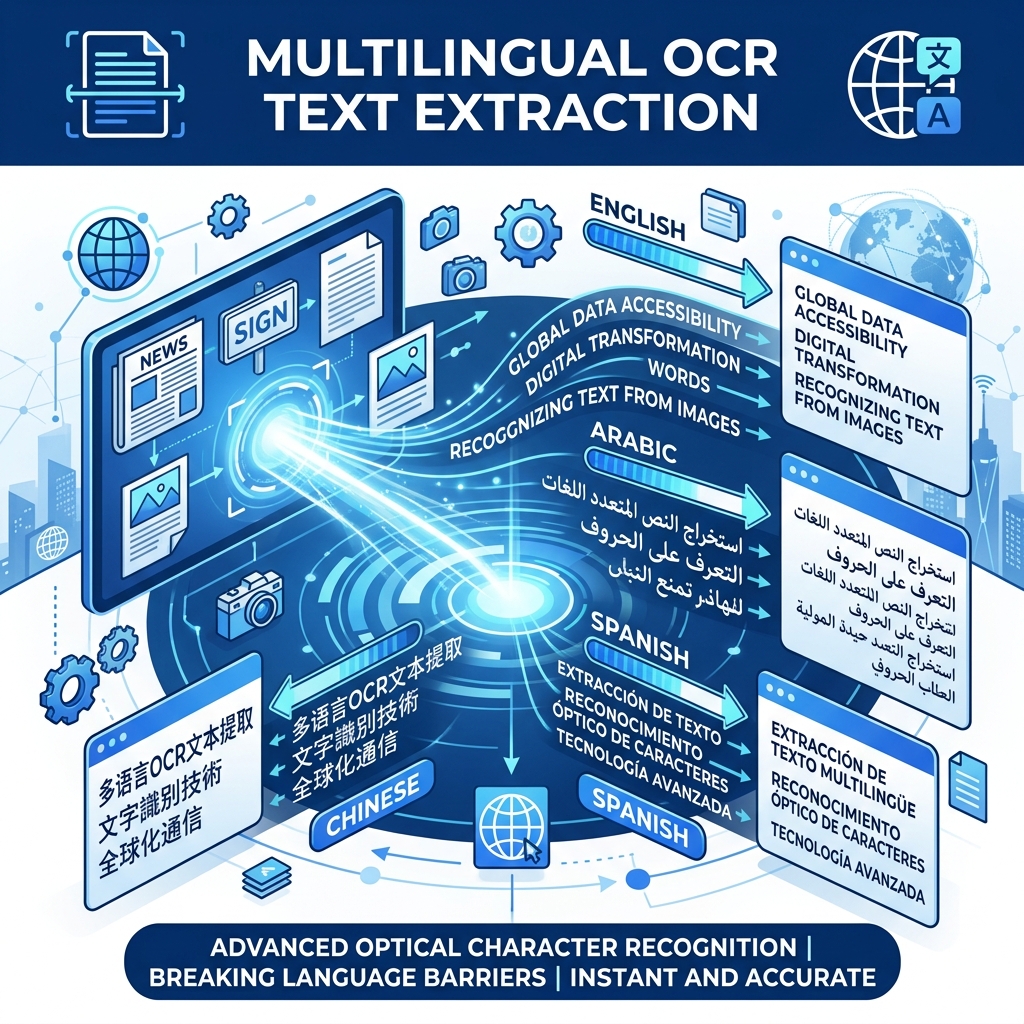
Beyond English: OCR for Every Language
Most people think of OCR as an English-only technology, but modern OCR engines support dozens of languages — including languages with completely different scripts like Arabic (right-to-left), Chinese (character-based), and Hindi (Devanagari script).
Our Image to Text Converter supports 28+ languages right in your browser. Here's how to get the best results for each.
Supported Languages
Latin Script Languages
These languages use the same alphabet as English and generally have the highest OCR accuracy:
| Language | Accuracy | Notes |
|---|---|---|
| English | 95-99% | Best supported language |
| Spanish | 95-98% | Handles accents (á, é, ñ) well |
| French | 95-98% | Handles accents (é, è, ç) well |
| German | 94-98% | Handles umlauts (ä, ö, ü) and ß |
| Portuguese | 94-97% | Including Brazilian Portuguese |
| Italian | 94-97% | Standard Latin characters |
| Dutch | 94-97% | Standard Latin characters |
| Polish | 92-96% | Handles special characters (ą, ę, ł) |
| Turkish | 92-96% | Handles İ, ş, ğ, ç correctly |
Non-Latin Script Languages
These require selecting the correct language for accurate recognition:
| Language | Script | Accuracy | Tips |
|---|---|---|---|
| Arabic | Arabic script (RTL) | 85-92% | Clear, printed Arabic works best |
| Chinese (Simplified) | Han characters | 88-94% | Works well with printed text |
| Chinese (Traditional) | Han characters | 87-93% | Select Traditional specifically |
| Japanese | Kanji + Kana | 86-92% | Mixed scripts handled well |
| Korean | Hangul | 88-94% | Clear block characters recognized well |
| Hindi | Devanagari | 85-90% | Printed Hindi works best |
| Russian | Cyrillic | 92-96% | Very similar accuracy to Latin scripts |
| Greek | Greek alphabet | 90-95% | Both modern and polytonic |
| Thai | Thai script | 82-88% | Connected characters are challenging |
How to Select the Right Language
Selecting the correct language before processing is crucial. Here's why:
- Character set matching — Each language has a specific set of valid characters. Selecting Arabic tells the engine to look for Arabic characters, not Latin ones
- Dictionary validation — The engine uses language-specific dictionaries to correct probable errors
- Reading direction — Arabic and Hebrew read right-to-left; the engine needs to know this
To select a language in our tool:
- Open any tool page (e.g., Image to Text Converter)
- Click the OCR Language dropdown above the upload area
- Select your language
- Upload your image
Tips for Non-English OCR
Arabic
- Use printed/typed Arabic for best results — handwritten Arabic is very challenging for OCR
- Ensure text is fully connected (as Arabic script naturally is)
- High contrast is especially important for diacritical marks (tashkeel)
Chinese / Japanese
- Printed text in standard fonts works best
- Handwritten characters are harder due to the sheer number of possible characters (50,000+)
- Vertical text is supported but horizontal gives better results
Hindi / Devanagari
- The headline (shirorekha) connecting characters at the top must be clearly visible
- Avoid images where the connecting line is broken or faded
- Printed text in standard fonts gives 85%+ accuracy
Russian / Cyrillic
- Very similar to Latin script processing — accuracy is usually excellent
- Watch for characters that look similar in both scripts (A, B, C, E, etc.)
Mixed Language Documents
Some documents contain text in multiple languages (e.g., an English document with Arabic quotes, or a Japanese document with English brand names).
Current limitation: Select the primary language of the document. The engine will do its best with secondary language text, but accuracy may be lower for the non-selected language.
Workaround for mixed documents:
- Process the document with Language A selected
- Process it again with Language B selected
- Combine the best results from both
Try Multilingual OCR
Our tools are free and support 28+ languages with no limits. Try extracting text in your language:
- Image to Text Converter — general purpose, all languages
- Extract Text from Image — optimized for text extraction
- Free Image to Text Converter — no sign-up, no limits